
WrapShot
Point it at raw footage. Walk away with a finished episode.
The expensive part of a podcast isn't the recording. It's everything after.
Recording takes an hour. Turning that recording into a finished episode takes two to six hours of mechanical work: syncing the tracks, cutting between cameras to follow whoever is talking, fixing the guest who joined on bad laptop audio, pulling a transcript, cutting the clips for social. None of it is craft. All of it gets redone from scratch every single week. Freelance editors typically charge $150 to $500 an episode for this kind of work; production agencies charge $300 to $1,000. For a weekly show, that adds up to 100 to 300 hours a year, or a standing bill, spent on work that is identical every time it happens.
Filming
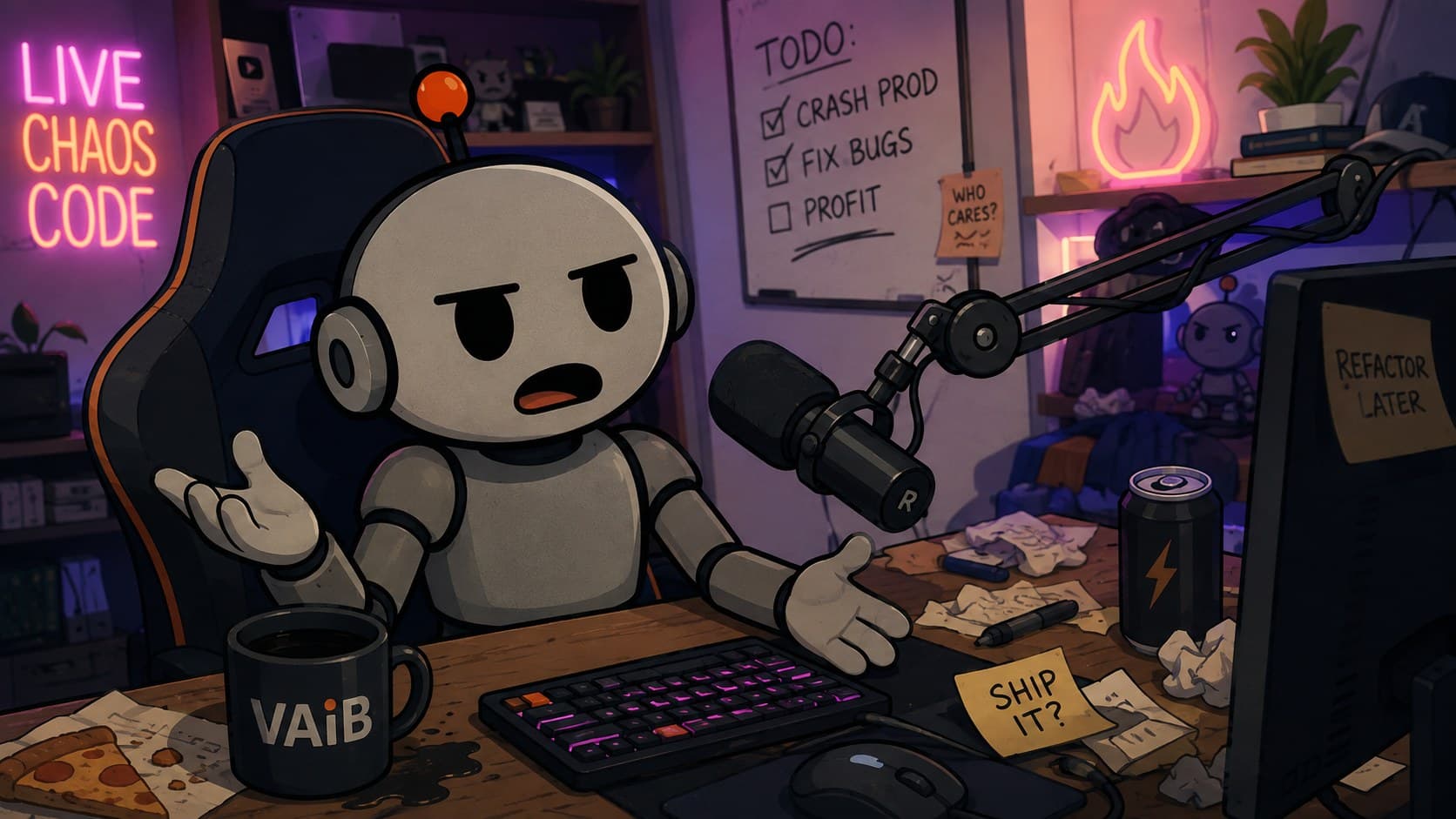
The recording is the part everyone enjoys. Two hosts, four cameras, a couple of hours, and the show is in the can. WrapShot leaves this part alone. It picks up at the folder that comes out of it.
Post-production becomes a setting you choose once, not a job you redo every week
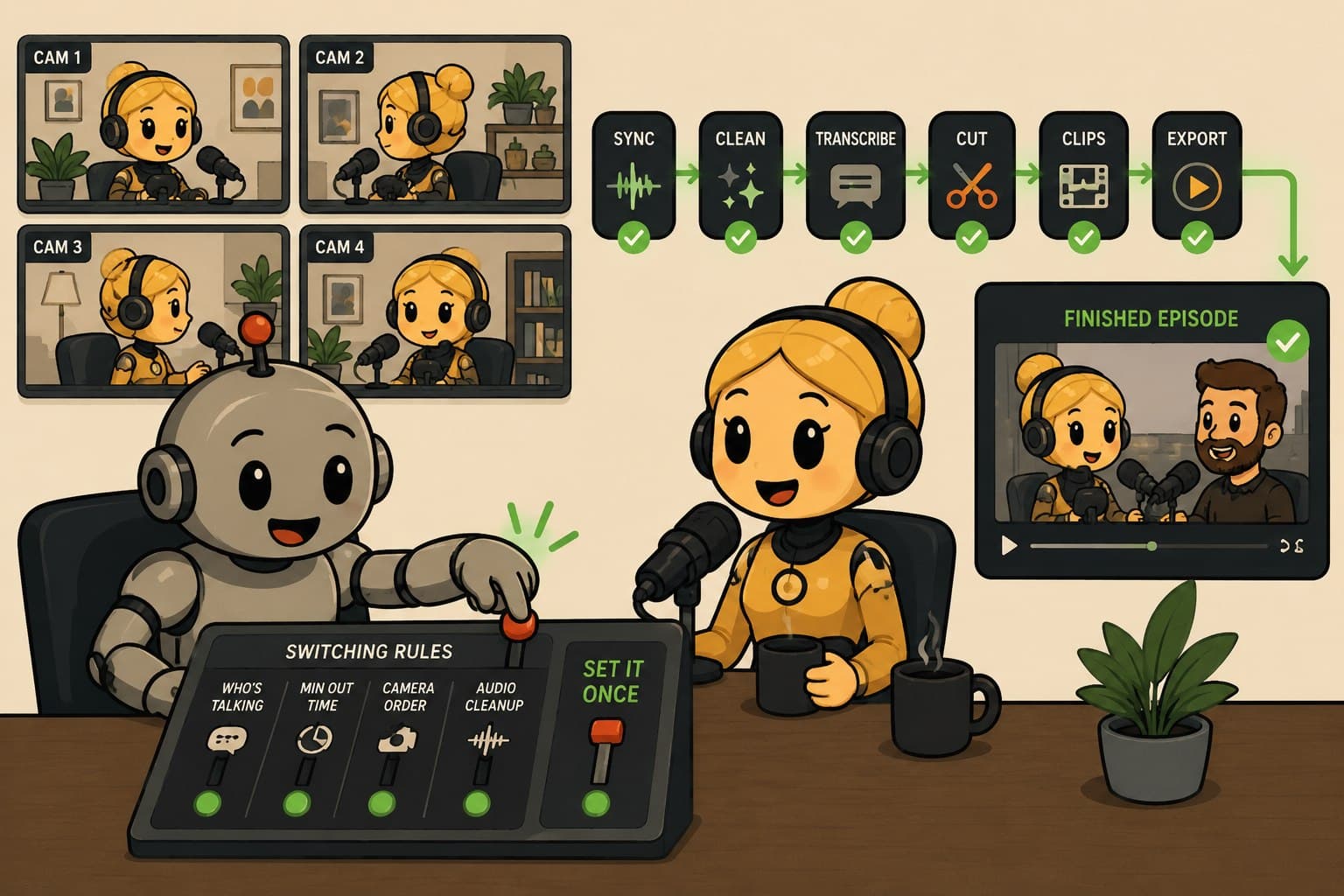
Point WrapShot at the folder of raw recordings. Tell it once which camera belongs to which speaker and how you want cuts to work. From there it runs the whole job itself: lines up the tracks, cleans and mixes the audio, transcribes the speech, decides which camera is on screen at every moment, assembles the cut, and exports the finished files, on your Mac, without ever uploading the footage. You never have to open a timeline. If you want to change a cut by hand, you still can.
Configure your show's setup once. Every episode after that runs the same way, automatically.
Set it once
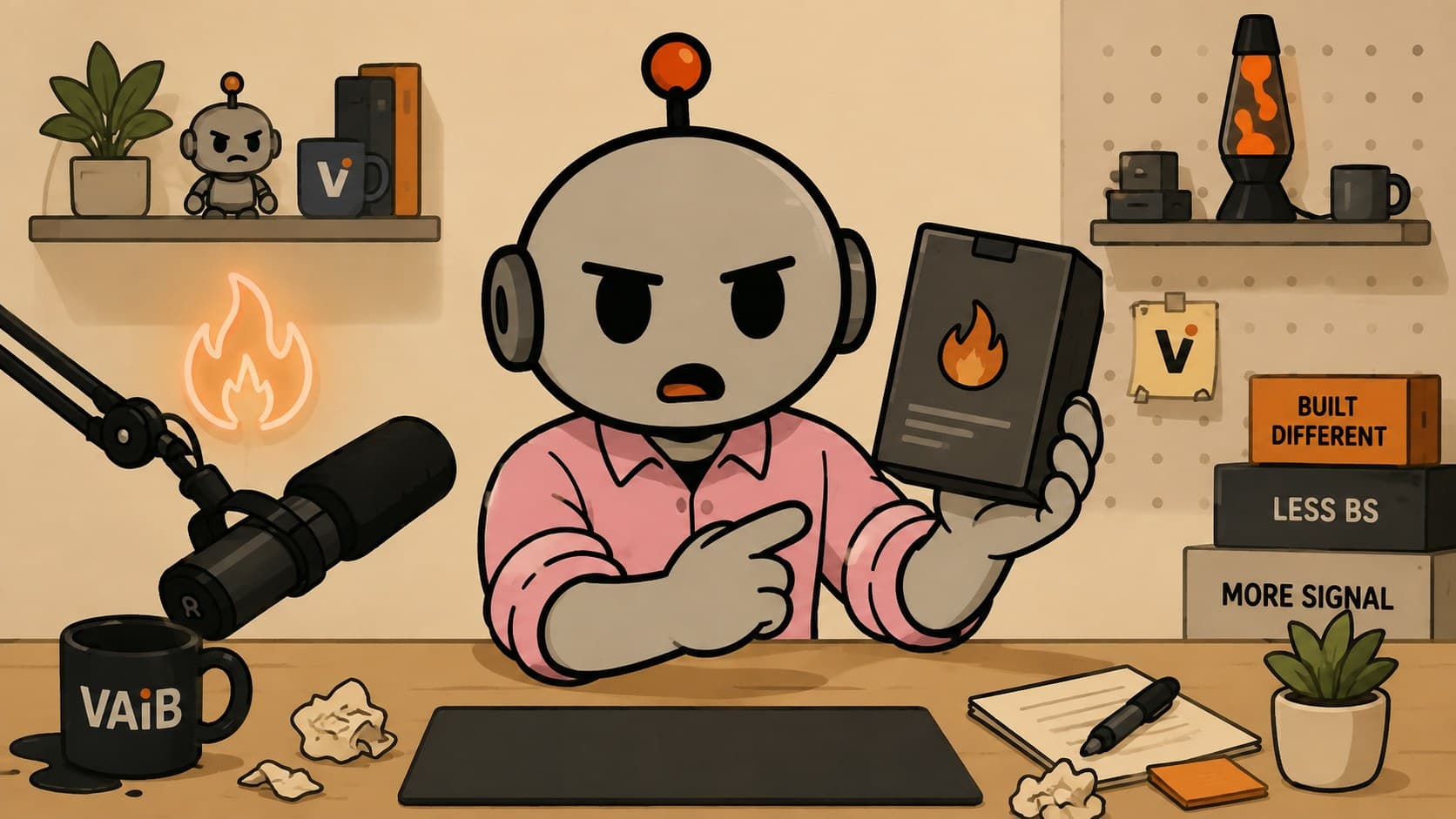
Tell WrapShot which camera belongs to which person and how you like your cuts to work. That is the entire setup, and you do it a single time. Every episode after this one runs on those same settings.
The pipeline, seven steps, all running on your machine
Ingest
Checks every raw camera and microphone file and lines them up so they play in sync, no manual alignment needed.
Audio
Cleans up each track and mixes them together, so the guest on a bad microphone doesn't ruin the episode.
Transcription
Turns the speech into text, with each line attributed to the right speaker, running entirely on your Mac. Nothing is uploaded and there's no per-minute bill.
Camera switching
Decides which camera is on screen at every moment, cutting to whoever is talking the way a live TV control room would.
Fine cut
The cut is yours to adjust by hand: mark points, undo, redo, override any switch WrapShot made.
Enrichment
Adds chapter markers and transcript-based extras, plus an optional color correction pass to improve the picture. All optional, none of it blocks the steps after it.
Deliver
Exports everything a show needs in one pass: full video, an audio-only version, a transcript, and the clip files for social.

Shipping
Names on screen, the camera cutting to whoever is speaking, audio evened out across both chairs. This is what comes back out of the folder, finished and ready to post.
Every real alternative either bills you every month or makes you learn a professional editor first
Descript and Riverside are capable cloud tools, but they bill monthly whether or not you produced an episode that month, and Descript still asks you to work inside a timeline-style editor. Adobe Premiere with the AutoPod plugin brings real multicam automation, but it's two stacked subscriptions on top of learning professional editing software. DaVinci Resolve is free and has recently added its own automatic camera switching, but it's a general-purpose editor first; you still have to build the automation around it. WrapShot runs the whole job, start to finish, on your own computer. No upload, no per-minute meter, no monthly bill. That's a structural difference, not a slogan.
Local, complete, and paid for once. Nobody else in this category offers all three.
Pricing and specs, plainly
Pay what you can, starting at five dollars, and the branding goes away. Can't spare it? Keep the free version at full quality, forever.
Podcast hosts who edit their own weekly multi-camera show, and small agencies running eight to twelve client episodes a week
The best fit is a show you record the same way every time, because that's exactly where configuring the setup once pays off repeatedly. If you shoot with a single camera or lean on heavy custom styling every episode, this isn't built for you.
Every week, every client
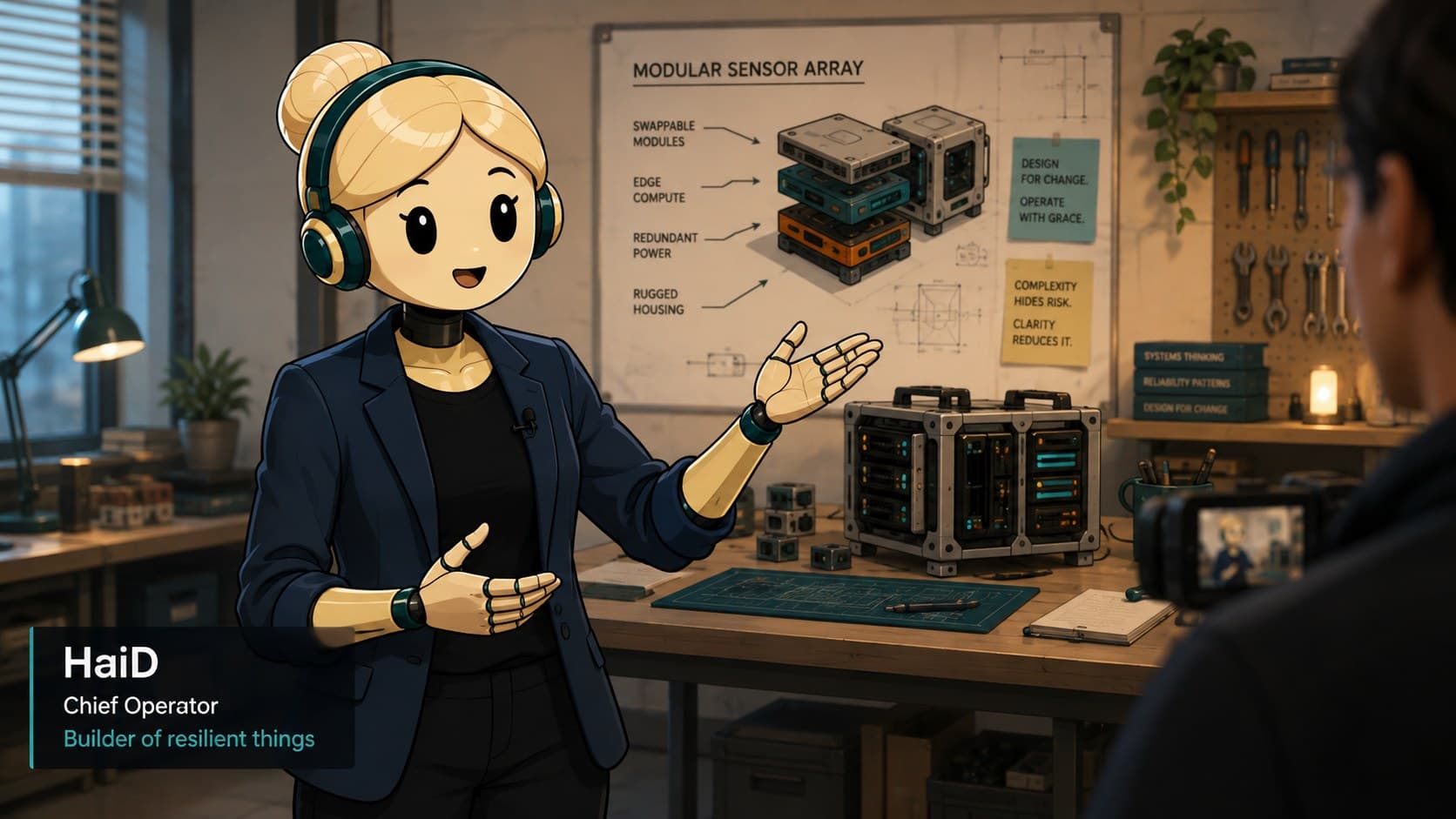
A demo segment, a guest interview, a solo episode. An agency running eight to twelve shows a week puts all of them through the same settings, and every one finishes on the machine that recorded it.
Status
Full seven-step pipeline shipped and working end to end. Payment checkout, pay what you can, is built and confirmed working against the live payment system, not a test one. A signed, Apple-notarized build (v0.2.6) renders a finished video start to finish.
Next milestone, Q3 2026
Recording an internal walkthrough of the current build, then opening it up to wider testing ahead of public release
of podcast content is now video, not audio
Up from about 18% in 2020, and growing faster than audio-only shows. A video podcast is, by definition, the exact multicamera problem WrapShot solves, not a side benefit.
creator tools and infrastructure market
One estimate puts this layer growing about 41% a year, well ahead of the roughly 12% growth of the creator economy it serves. Estimates vary a lot by source; the direction, growing faster than the market it sits inside, is the reliable part.
Nobody agrees on the exact size of the podcast market. Every source agrees it's growing, video is growing faster than audio inside it, and there's a real, currently fragmented spend, freelancers, agencies, and a stack of subscriptions, that a tool like this is positioned to take a piece of.

This product is built by
CHAOSAiGENT
A venture studio that builds tools, platforms, and products for operators who move fast.